

Texans Credit Union Merges With Las Colinas Credit Union
A new chapter is beginning for Las Colinas Credit Union and Texans Credit Union—one grounded in shared values, strong relationships, and a commitment to doing what’s right for our members and communities. By coming together, something truly special is taking shape—an organization that reflects the best of both credit unions and remains firmly committed to serving you.
Setting Up Your New Digital Banking Account
Beginning May 4, 2026, you will use Texans Digital Banking and the Texans CU mobile app to access your accounts. To set up your new Digital Banking account, follow the steps below.
1. Access Digital Banking
Log in to Digital Banking at texanscu.org using your Las Colinas FCU Online Banking username and password.
2. Accept Disclosure & Confirm Identity
Select Create New Password and accept the Terms and Conditions, then confirm your identity. You will need to enter your Las Colinas username and Social Security Number (SSN) to validate your identity.
3. Verify & Set Password
A one-time verification code will be sent to your mobile phone or email address. Enter the verification code when prompted. You will then be prompted to create a new password.
4. Login & Access Your Accounts
When you log in for the first time, you'll need to accept the Digital Banking Terms and Conditions, then you're all set! You can view your accounts and start exploring everything Texans Digital Banking has to offer!
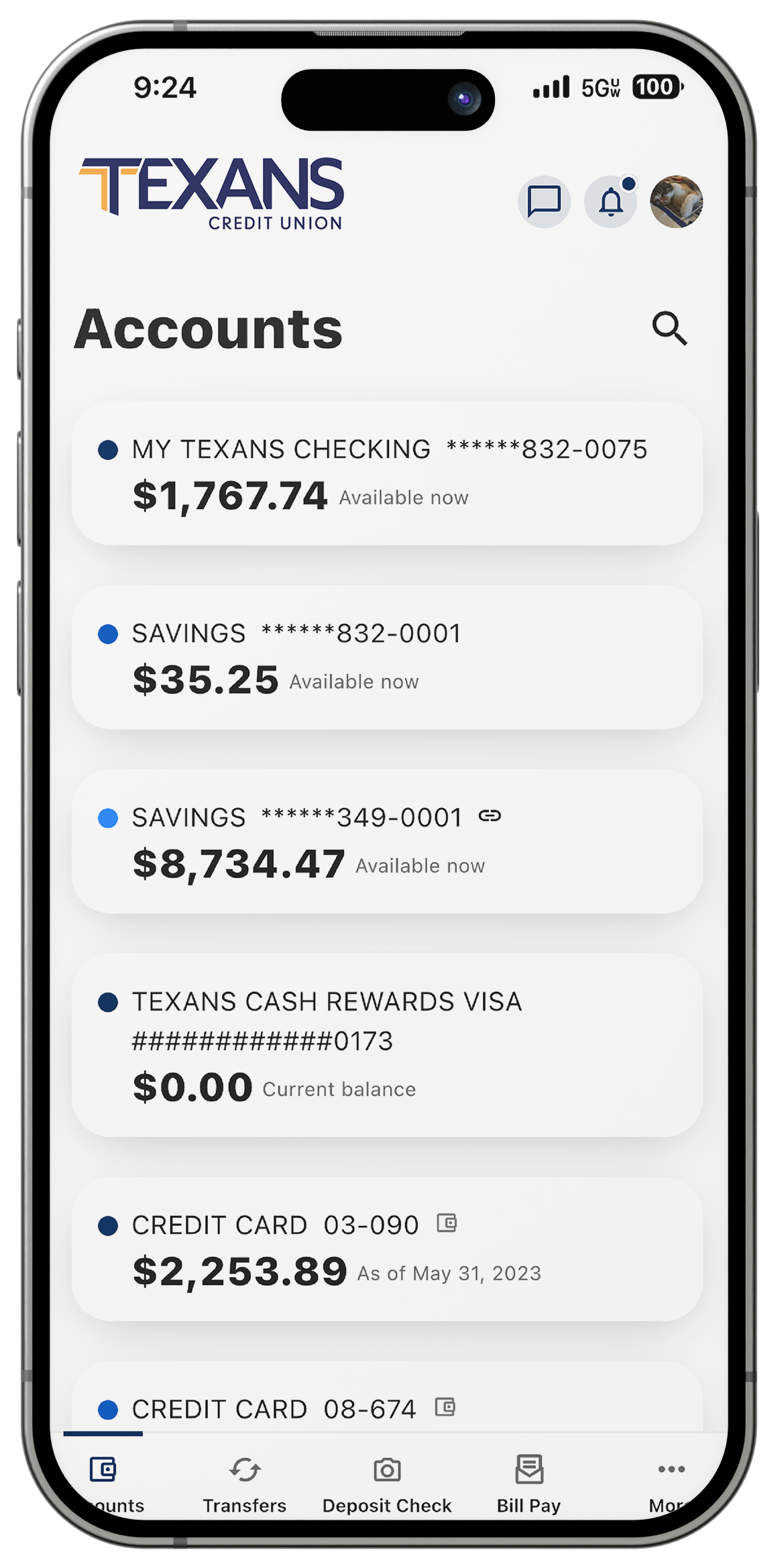
Download the Texans CU Mobile App
Make sure to download the Texans CU mobile app to access your accounts on the go!


Loan & Credit Card Payments
Great news—there will be no changes to your loan number, loan rate, or payment due date. Following the completion of the merger on May 4th, you will begin making your loan payments with Texans Credit Union. While Message Pay will no longer be an available option, Texans offers a variety of convenient loan payment options to make your auto loan, home equity loan, personal loan, and line of credit payments by account transfer (ACH) or debit card.
Mortgage Payments
Your mortgage payment method will vary based on your loan servicer. Please refer to the payment instructions provided in your loan servicer packet for your specific payment instructions. Please note that mortgage payments will no longer be accepted in-branch.
Third-Party Servicers: If your mortgage is managed by a third-party servicer, please find your servicer below and use the relevant link to login and make your payment.
General Merger FAQs
1. Ensure your contact information is up to date. As we approach the merger weekend, Texans CU will be communicating important information and any changes that may impact you via email, postal mail, and text. Ensuring your email address, mailing address, and phone number are accurate is the best way to make sure you receive all of the information you need.
2. Plan ahead for temporary closures and service disruptions while we complete our systems integration between May 1 and May 3, 2026. Please note that transfers and payments in Online Banking will no longer be available as of 5:00 pm CT on April 28, 2026.
3. Download prior e-Statements and tax documents from your LCFCU Online Banking account by 5:00 pm CT on April 30, 2026.
4. Save your member number and Online Banking username and password. You’ll need them later to set up your Texans Digital Banking account.
Merger Weekend FAQs
Yes. To complete the merger, all Las Colinas FCU branches will be closed on Friday, May 1st and Saturday, May 2nd. Las Colinas FCU ATMs will remain available for use during this time. Regular branch business hours will resume on Monday, May 4th at 9:00 am CT.
Las Colinas FCU Online Banking and mobile app access will be deactivated on Thursday, April 30, at 5:00 PM CT. Beginning Monday, May 4th, you will need to begin using Texans Digital Banking and the Texans CU mobile app to perform transactions and manage your accounts.
The Las Colinas FCU Member Connect Call Center will remain open Friday, May 1st from 8:00 am to 5:00 pm CT and Saturday, May 2nd from 9:00 am to 1:00 pm CT to answer any questions you may have. However, Member Connect representatives will not be able to provide any specific account assistance or information.
No. All Las Colinas FCU branches will be closed on Friday, May 1st and Saturday, May 2nd during the merger weekend. On Monday, May 4th, Las Colinas FCU branches will re-open and members will also be able to visit Texans CU branches.
Las Colinas FCU call center representatives will be available during this time to answer account balance and transaction questions (based on your account data as of Thursday, April 30th at 11:59 pm CT), offer debit and credit card and digital banking guidance, and to assist with any urgent service issues.
No. Your Las Colinas Online Banking and mobile app access will be deactivated on Thursday, April 30, at 5:00 PM CT. Please ensure that you have downloaded any necessary transaction history by 5:00 pm on Thursday, April 30, 2026.
Beginning Monday, May 4th, you will need to create a Texans CU Digital Banking account and begin using Texans Digital Banking and the Texans CU mobile app to perform transactions and manage your accounts.
Account Related FAQs
If you have a Las Colinas FCU Basic Savings, Special Savings, or Starting Over Savings account, your account will transition to a comparable Texans CU savings account. You can view your new Texans account in Digital Banking beginning May 4.
There will be no changes to the Holiday Club Savings or Star Savers Youth Savings accounts.
If you have a Las Colinas FCU Regular Checking, Senior Checking, E-Checking, Unconditional Checking, or GEM Club Checking account, your account will transition to a comparable Texans CU checking account. You can view your new Texans account in Digital Banking beginning May 4.
There will be no changes to the Premier Checking or Galaxy Club Checking accounts.
There will be no immediate changes to Las Colinas FCU Certificate of Deposit accounts; however, if you have a Las Colinas Term Share Certificate, IRA Certificate, Freedom Certificate, or Save to Win Certificate account, your account will transition to a comparable Texans CU certificate account at the time of account maturity.
There will be no changes to the Youth 12 Month CD
Yes. All Las Colinas FCU Money Market accounts will be transitioned into Texans Money Market accounts. You can view your new Texans account in Digital Banking beginning May 4.
Great news – Texans CU Money Market accounts currently offer higher interest rates than Las Colinas Money Market accounts on all tiers, so you’ll earn more on your money as a Texan.
Las Colinas FCU Business Memberships will transition into Texans Business Checking and Savings accounts. If your business account is a Las Colinas FCU Non-Profit Account your account will transition into a Texans Non-Profit Checking Account with Texans Business Savings.
Texans CU will be waiving our regular monthly service fees on our Texans Business Checking and Texans Non-Profit Checking accounts, so that you will continue to enjoy these services with no monthly service fees.
If your account is being transitioned into a Texans Business Checking or Texans Non-Profit Checking account, you will receive a new debit card for your new account. You will have a new debit card number, expiration date and CVV code.
Debit Card FAQs
Texans makes managing your debit card easy with Card Manager, a powerful digital tool that lets you manage your cards anytime, anywhere in Digital Banking and the Texans CU mobile app. With Card Manager, you can set real-time account alerts, spending limits, and turn your card on and off. You’ll also enjoy access to personalized spending insights, advanced controls, and self-service options to create the card experience that’s right for you.
Your Texans CU debit card comes equipped with contactless, tap to pay technology and is compatible with Apple Pay, Google Pay, and Samsung Pay to make checkout fast, easy, and secure.
Your Texans Visa debit card also gives you access to great benefits, including Cellular Telephone Protection in the case that your cell phone is stolen or damaged, free credit monitoring and dispute management with Dovly Uplift, and Roadside Dispatch.®
Yes! Starting Monday, May 4th, you can customize your new Texans debit card with your favorite photo using the Texans Debit Card Design Studio in Digital Banking. All you’ll need to get started is your new Texans debit card number and a Texans Digital Banking account.
Credit Card FAQs
Yes, you should have already received and activated your new Texans credit card. If you have not yet activated your credit card, please follow the activation instructions included with your card to begin using it immediately.
If you have not received your new Texans credit card, please reach out to our Member Connect Call Center at 972.348.2000.
Prior to the full completion of the merger on May 4, 2026, contact the Texans CU Member Connect team at 972.348.2000 for assistance with your new Texans CU credit card. Our representatives will be able to assist you with account balance, credit limit, and transaction questions, lost or stolen cards, and fraudulent activity.
Beginning May 4th, you’ll have access to Card Manager, a powerful digital tool that lets you manage your cards anytime, anywhere in Digital Banking and the Texans CU mobile app. With Card Manager, you can set real-time account alerts, spending limits, and turn your card on and off. You’ll also enjoy access to personalized spending insights, advanced controls, and self-service options to create the card experience that’s right for you.
Your Texans CU credit card comes equipped with contactless, tap to pay technology and is compatible with Apple Pay, Google Pay, and Samsung Pay to make checkout fast, easy, and secure. Even better, Texans CU credit cards have no annual fees, no balance transfer fees, no cash advance fees, and your card is backed by Visa’s Zero Liability policy.
All Texans Visa credit cards also give you access to great benefits, including Cellular Telephone Protection in the case that your cell phone is stolen or damaged, free credit monitoring and dispute management with Dovly Uplift, and Roadside Dispatch.®
Branch & ATM FAQs
Beginning May 4th, the Las Colinas FCU Valley Ranch branch hours will be updated to reflect Texans CU’s branch hours. There will be no changes to the Las Colinas North Dallas or R3 – Lewisville branch hours.
Member Connect Call Center FAQs
Digital Banking FAQs
To set up your new Texans CU Digital Banking account on or after May 4, follow the steps below.
1. Access Digital Banking
Log in to Digital Banking at texanscu.org using your Las Colinas FCU Online Banking username and password.
2. Accept Disclosure & Confirm Identity
Select Create New Password and accept the Terms and Conditions, then confirm your identity. You will need to enter your Las Colinas username and Social Security Number (SSN) to validate your identity.
3. Verify & Set Password
A one-time verification code will be sent to your mobile phone or email address. Enter the verification code when prompted. You will then be prompted to create a new password.
4. Login & Access Your Accounts
When you log in for the first time, you'll need to accept the Digital Banking Terms and Conditions, then you're all set! You can view your accounts and start exploring everything Texans Digital Banking has to offer!
You will no longer be able to perform transactions such as account transfers and bill payments in Las Colinas FCU Online Banking account as of 5:00 pm CT on Tuesday, April 28, 2026.
You will be able to access your account balances, account history, and e-Statements until 5:00 pm CT on Thursday, April 30, after which the system will be unavailable.
We encourage you to download your e‑Statements, tax documents, and your April 2026 transaction history by 5:00 PM on Thursday, April 30, to ensure you have all of the important information you may need. If you need copies of these items after the deadline, contact Texans CU on or after May 4th and we will assist with copies.
If you download your transaction history using Quicken Web Connect, you will be prompted to enter your new Texans Digital Banking password on your first login after May 4, 2026 to authorize the download.
No. Your Bill Pay account, settings, and existing payments will be transferred to your new Texans CU Digital Banking account. You will not need to take any action.
Please Note: Payments made through Texans Credit Union Bill Pay are electronically debited from your account 1-2 business days after the payment date due to processing time.
Yes. All members will receive their Las Colinas FCU April 2026 statements by mail. We recommend downloading your prior e-Statements and tax documents from your Las Colinas FCU Online Banking account by 5:00 PM on Thursday, April 30th for your records.
Beginning May 4th, if you were previously enrolled in e-Statements, you will need to enroll in Texans CU e-Statements in your Texans CU Digital Banking account to continue to receive e-Statements. If you previously elected to receive paper statements, you will continue to receive Texans CU statements by mail. Please note that Texans CU charges a $2 Paper Statement fee per statement.
Loan FAQs
Beginning Monday, May 4th, you can make your auto, home equity, personal loan, and line of credit payments by ACH transfer or with a debit card using one of Texans CU’s convenient payment options: in Digital Banking or the Texans CU mobile app, through the Online Payment Portal, by phone with our virtual assistant, Chip, or in-person at a branch.
Mortgage & Home Equity FAQs
Your mortgage payment method will vary based on your loan servicer. Payments will no longer be accepted in-branch. Please refer to the payment instructions provided in your loan servicer packet for your specific payment details.
Third-Party Servicers: If your mortgage is managed by a third-party servicer, please find your servicer below and use the relevant link to login and make your payment:
FocusOne: https://f1.mymortgage-online.com
Servion: https://www.myservion.com/mortgage
PNC: https://www.pnc.com
Beginning Monday, May 4th, you can make your home equity and HELOC payments by ACH transfer or with a debit card using one of Texans CU’s convenient payment options: in Digital Banking or the Texans CU mobile app, through the Online Payment Portal, by phone with our virtual assistant, Chip, or in-person at a branch.